
How to Export Your Transaction History from Coinbase and Binance: Complete Guide
Introduction
Whether you're preparing for tax season, building a portfolio tracker, or simply want a complete record of your crypto activity, exporting your transaction history is the essential first step. This guide walks you through the exact process for exporting from Coinbase and Binance—the two most popular cryptocurrency exchanges.
We'll cover not just the basic steps, but also common pitfalls, what each export includes, and how to handle the data once you have it.
Why Export Your Transaction History?
Before diving into the how, let's consider the why:
Tax Compliance: Tax authorities require reporting of cryptocurrency gains and losses. Your transaction history is the foundation of accurate tax reporting.
Portfolio Analysis: Understanding your complete trading history helps you analyze performance, identify patterns, and make better decisions.
Record Keeping: Exchanges don't keep your data forever. Some retention policies limit how far back you can access history. Exporting creates your own permanent record.
Data Portability: If you switch exchanges or want to use third-party tools, having your own data export gives you flexibility.
Exporting from Coinbase
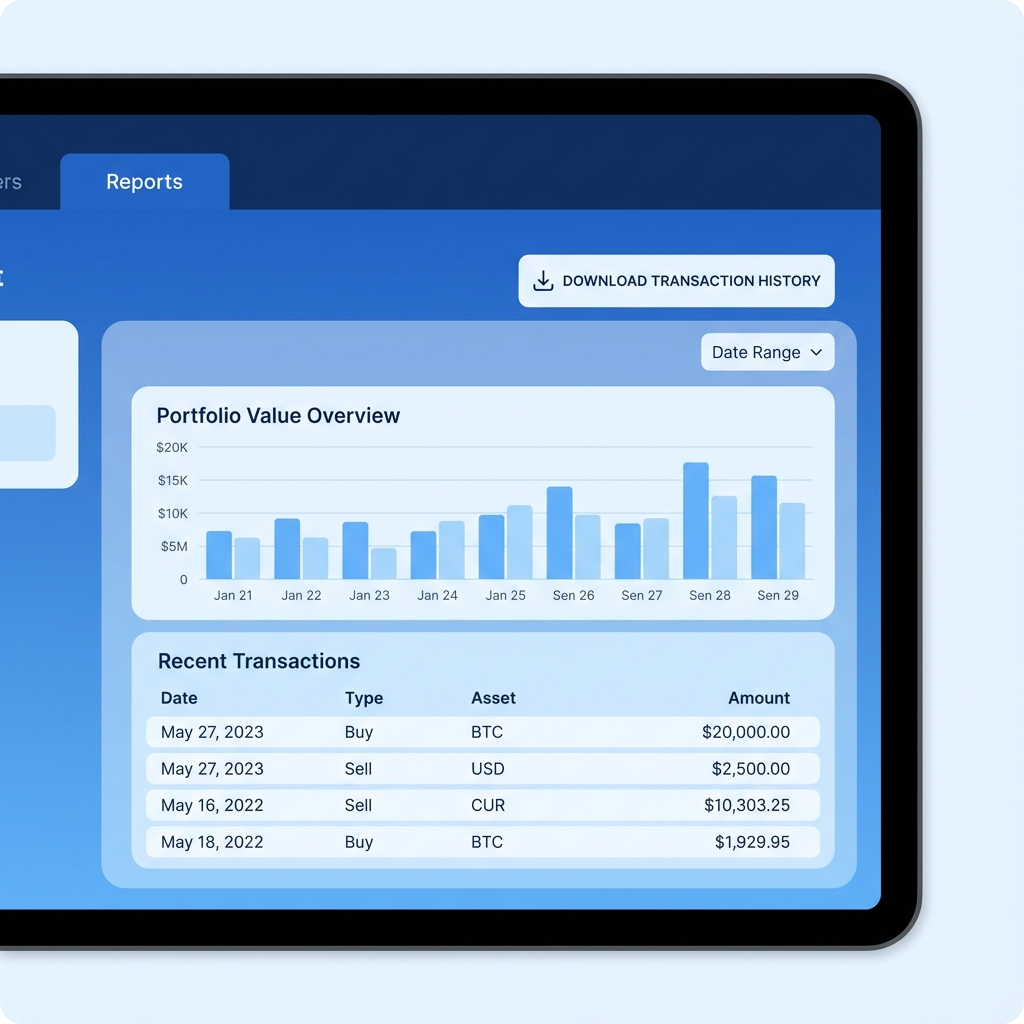
Coinbase offers several export options. Here's the most comprehensive method:
Step 1: Access Reports
- Log into your Coinbase account at coinbase.com
- Click on your profile icon in the top-right corner
- Select "Taxes" from the dropdown menu
- Navigate to "Documents" or "Reports" section
Step 2: Generate Transaction Report
- Click "Generate Report" or "Create Report"
- Select "Transaction History" as the report type
- Choose your desired date range:
- For tax purposes, select the full tax year
- For complete history, select "All time"
- Select CSV as the export format
- Click "Generate"
Step 3: Download Your File
- Wait for the report to generate (usually a few minutes)
- You'll receive an email notification when ready
- Return to the Reports section to download
- The file will be named something like
coinbase-transactions-2024.csv
What's Included in Coinbase Exports
Coinbase transaction exports typically include:
- Timestamp: When the transaction occurred
- Transaction Type: Buy, Sell, Send, Receive, Convert, etc.
- Asset: Which cryptocurrency
- Quantity Transacted: Amount of crypto
- Spot Price at Transaction: USD value at the time
- Subtotal: Transaction value before fees
- Total (inclusive of fees and spread): Final amount
- Fees and Spread: Coinbase's charges
- Notes: Additional transaction details
Coinbase Export Tips
Coinbase vs. Coinbase Pro/Advanced: If you've used both the regular Coinbase app and Coinbase Pro (now Coinbase Advanced Trade), you may need separate exports. Check both platforms.
Rewards and Earnings: Staking rewards, learn-and-earn tokens, and promotional earnings should be included, but verify they appear in your export.
Coinbase Wallet: The Coinbase Wallet (self-custody wallet) is separate from the Coinbase exchange. Wallet transactions require different export methods.
Exporting from Binance
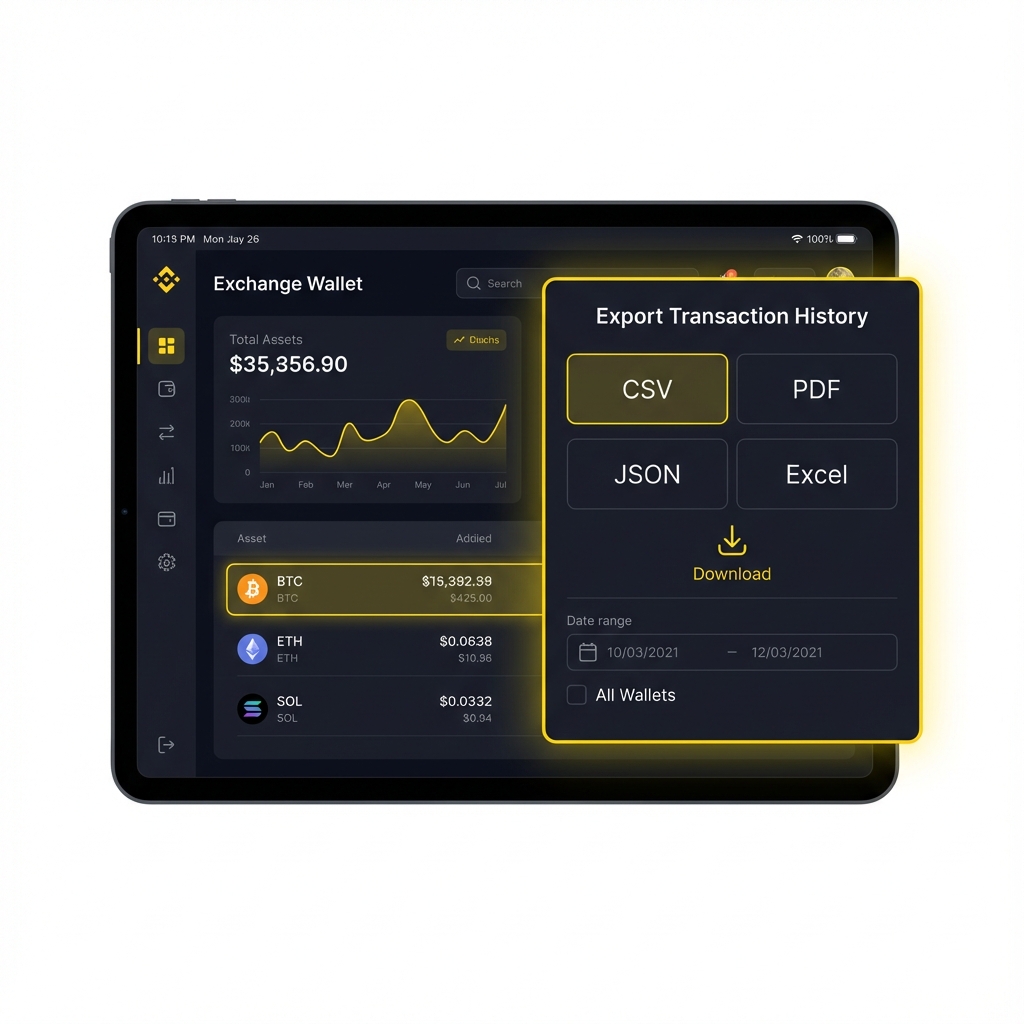
Binance's export process differs depending on whether you're using Binance.com (international) or Binance.US.
For Binance.com (International)
#### Step 1: Access Transaction History
- Log into your Binance account
- Hover over "Wallet" in the top navigation
- Select "Transaction History"
#### Step 2: Configure Export
- Click the "Export" button (usually top-right)
- Select your date range:
- Note: Binance limits exports to 3 months at a time
- For a full year, you'll need to do 4 separate exports
- Choose the transaction types to include:
- Spot trades
- Deposits
- Withdrawals
- Distribution (dividends, staking)
- Select CSV format
#### Step 3: Download
- Click "Generate"
- Wait for processing (can take several minutes for large histories)
- Download the CSV file
For Binance.US
The process is similar but accessed differently:
- Log into Binance.US
- Go to "Wallet" → "Spot Wallet"
- Click "Transaction History"
- Select "Export"
- Choose date range and transaction types
- Download the CSV
What's Included in Binance Exports
Binance exports typically contain:
- UTC_Time: Timestamp in UTC
- Account: Trading account type
- Operation: Transaction type
- Coin: Cryptocurrency symbol
- Change: Amount (positive or negative)
- Remark: Additional notes
Binance Export Challenges
Multiple Export Files: Due to the 3-month limitation, you'll often have multiple CSV files to manage.
Spot vs. Futures: If you've traded futures or margin, those require separate exports from different sections.
Different Sub-accounts: Earn, Savings, and Staking may have separate export locations.
Format Differences: Binance's format differs significantly from Coinbase, making direct comparison difficult without standardization.
Handling Common Export Issues
Issue 1: Export Times Out or Fails
Large transaction histories can cause exports to fail. Solutions:
- Break the date range into smaller chunks
- Try during off-peak hours
- Clear browser cache and try again
- Use a different browser
Issue 2: Missing Transactions
If transactions seem missing:
- Verify you selected the correct date range
- Check all account types (spot, earn, staking)
- Look for sub-account activity
- Contact exchange support for historical data
Issue 3: Incomplete Data
Sometimes exports lack certain fields:
- Fee information may be in a separate report
- USD values might need manual addition
- Transaction IDs may be truncated
Issue 4: Format Confusion
Each exchange uses different:
- Column names
- Date formats
- Transaction type labels
- Asset naming conventions
This is where standardization becomes essential.
Standardizing Your Exports
Once you have exports from multiple exchanges, you face the challenge of inconsistent formats. A transaction from Coinbase looks completely different from a Binance transaction, even if they represent the same type of trade.
The Manual Approach
You could manually reformat each export:
- Open each CSV in Excel or Google Sheets
- Rename columns to match a standard format
- Reformat dates to a consistent standard
- Map transaction types to unified categories
- Merge files into one master spreadsheet
This works for small numbers of transactions but becomes error-prone and time-consuming at scale.
The Automated Approach
Tools like CryptoClean automate this standardization:
- Upload your Coinbase CSV
- Upload your Binance CSV
- Download standardized outputs in a unified format
The result is consistent data with:
- ISO 8601 timestamps
- Unified transaction type labels (buy, sell, transfer_in, transfer_out, etc.)
- Consistent asset pair notation
- Standardized fee tracking
This standardized format works seamlessly with tax software, portfolio trackers, or your own spreadsheet analysis.
Best Practices for Transaction Data Management
Export Regularly
Don't wait until tax season. Export quarterly to:
- Ensure you don't exceed retention limits
- Catch any issues early
- Make year-end preparation easier
Keep Original Files
Always preserve the original exchange exports. Even after standardization, you may need to reference the original data.
Organize by Year and Exchange
Create a folder structure like:
/crypto-transactions
  /2024
    /raw-exports
      coinbase-2024.csv
      binance-q1-2024.csv
      binance-q2-2024.csv
    /standardized
      all-transactions-2024.csv
  /2025
    ...
Document Your Wallets
Maintain a list of all exchanges and wallets you've used, even if no longer active. This helps ensure complete records.
Frequently Asked Questions
How long do exchanges keep transaction history?
Policies vary. Coinbase retains records indefinitely while account is active. Binance may limit historical access. Always export sooner rather than later.
Can I export DeFi transactions the same way?
No, DeFi transactions happen on-chain, not on centralized exchanges. You'll need blockchain explorers or DeFi-specific tools to export those.
What if I used an exchange that no longer exists?
If you have old records, even screenshots, they can help reconstruct history. For defunct exchanges, you may need to work from blockchain records.
Do I need exports from every exchange I've ever used?
Yes, for complete tax reporting. Even if you transferred everything to one exchange, the original purchases establish your cost basis.
What format should my final data be in?
For maximum compatibility, use CSV with standardized columns. Most tax software and portfolio tools accept this format.
Conclusion
Exporting transaction history from Coinbase and Binance is straightforward once you know the steps. The bigger challenge is managing data from multiple sources in different formats.
Start by exporting from each exchange you've used. Keep organized records of raw exports. Then standardize the data into a unified format that works for tax preparation, portfolio analysis, or any other purpose.
Need help standardizing your exports? CryptoClean converts Coinbase and Binance CSVs into a clean, consistent format in seconds.
*Have exports from Coinbase or Binance? Upload them to CryptoClean for instant standardization.*
CryptoClean Team
Expert guides on cryptocurrency data management, tax reporting, and portfolio tracking.